Warp
Adjustadjust.warp GPUPush the terrain around with smooth noise, bending straight lines and regular shapes into natural ones.
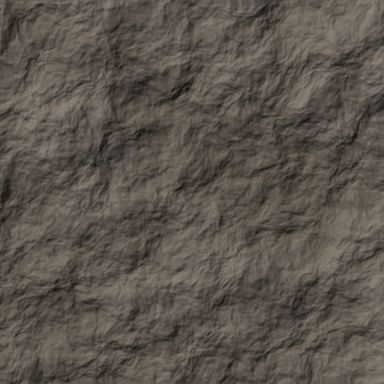
Output with default settings, rendered by LibreTerrain.
Inputs
| Port | Type | |
|---|---|---|
| In | Heightfield |
Outputs
| Port | Type | |
|---|---|---|
| Out | Heightfield |
Settings
| Setting | Default | Range / options | Description |
|---|---|---|---|
| Size | 1,500 m | 1 to 1,000,000 m | Size of the swirls, in metres. |
| Strength Mask port | 300 m | 0 to 100,000 m | How far the terrain is pushed, in metres. |
| Octaves | 4 | 1 to 10 | Detail in the swirls. |
| Seed | 0 | 0 to 999,999 | Change for a different variation. |
Mask ports
Settings marked Mask port can be driven by a mask. Click the setting's Mask port button and connect a mask to the new green input: black scales the value to 0, white keeps the value you set.
See also
Blur · Clamp · Curve · Invert · Levels · Sharpen · Terrace · Transform